
Big networks. Bigger discounts. Right at the pump.
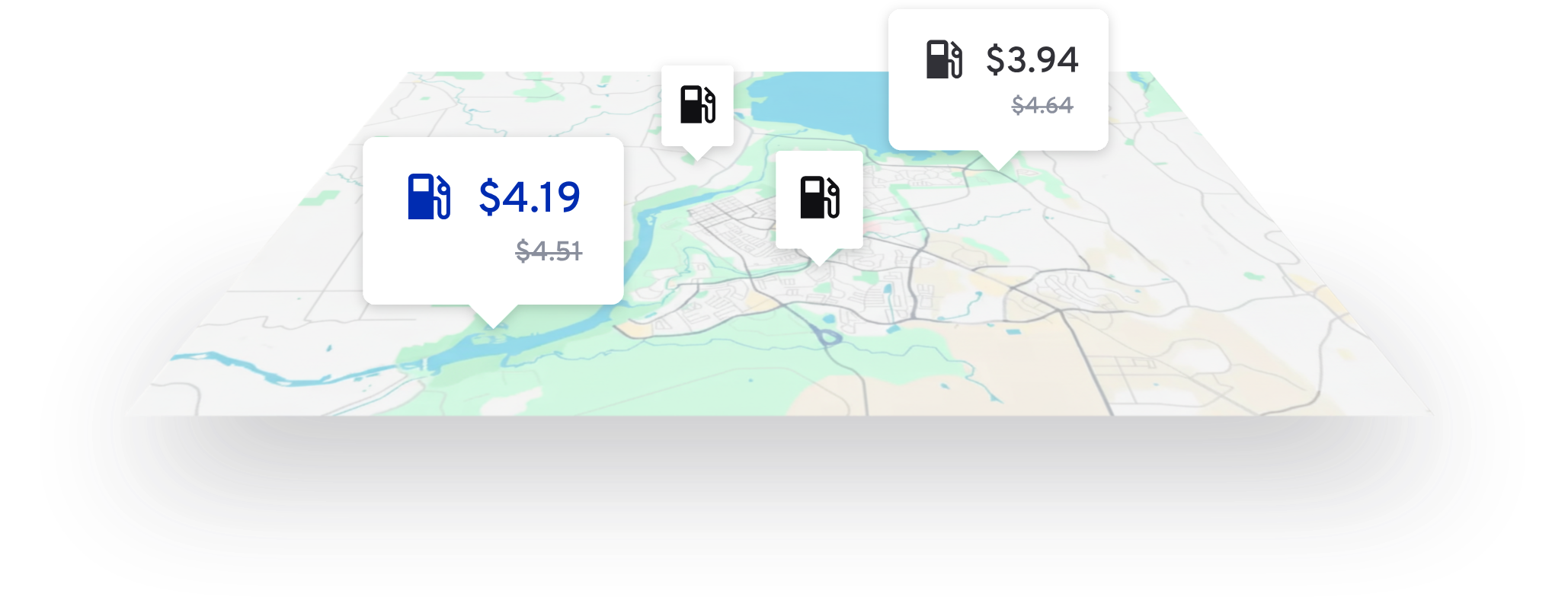
Save up to $1/gallon at the nation's largest truck stop networks. Pay at the pump and get on the road.

"I saved a lot this past week. Discounts are pretty good. Give it a try. It's worth it."
— Izak Venuti, Giovanni Trucking LLC
How it works
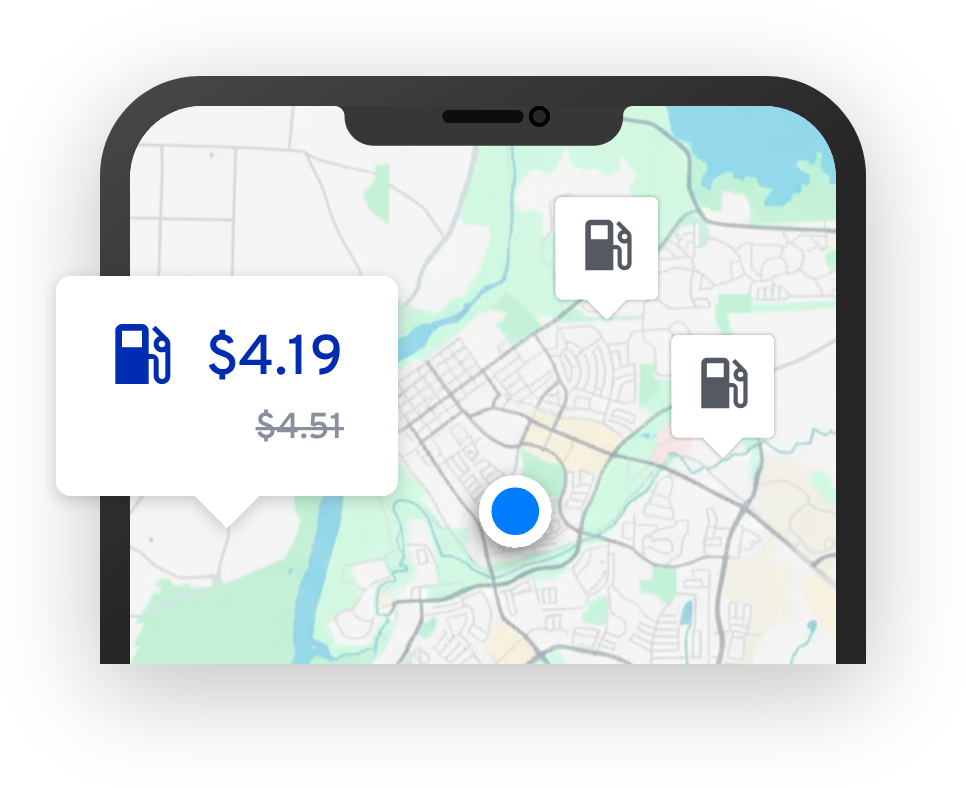
Find fuel discounts
Open up FuelApp to see discounted pricing at stations near you.
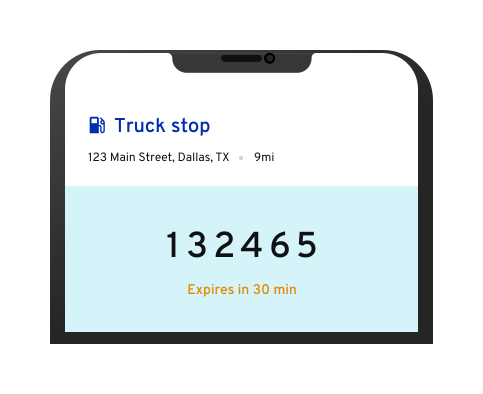
Get payment code
Head over to the station, then tap 'Get fuel code' in FuelApp. Your code will be valid for 30 minutes.
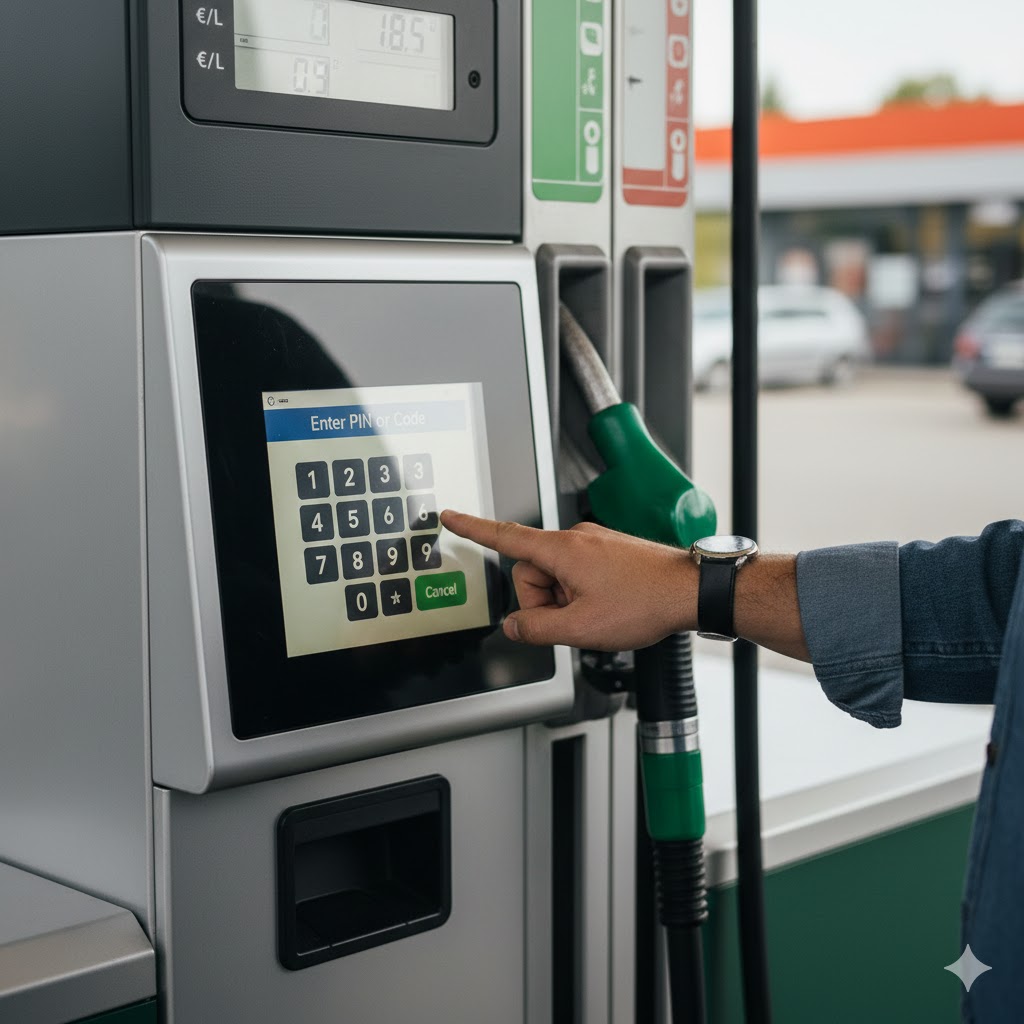
Enter code at the pump to pay
No need to go inside the station, so you can fuel up fast and get back on the road.
FAQs
Upload any debit card, credit card, or fuel card as your payment method. When you pay with a fuel code, we'll charge the amount you pump to the card on file.
Nope! FuelApp is free to download, and there are no membership fees or credit card processing fees.
When you request a fuel code, a hold is placed on your payment method for the maximum amount you can use your fuel code to pump.
By default, this is set to $350, but you can update it to any amount between $50-800. Before you request a code, find a location, tap 'Fuel amount $350 >' below the 'Get fuel code' button, enter the amount you want to authorize, and tap 'Confirm.'
After you fuel, the hold will update to the amount you actually pumped. If you cancel the fuel code or let it expire, the hold will come off your payment method within a few hours.
Find these under the 'Purchases' tab.
Share a referral code with friends. Every driver who signs up with your code and pumps 75+ gallons earns $15 for you and $15 for them.
Learn more at cai.ai/fuelapp/referrals.
Give us a call at (469) 459-5311 or email us at support@fuel.app.
Don't miss out on major fuel savings
Download FuelApp and start saving today.